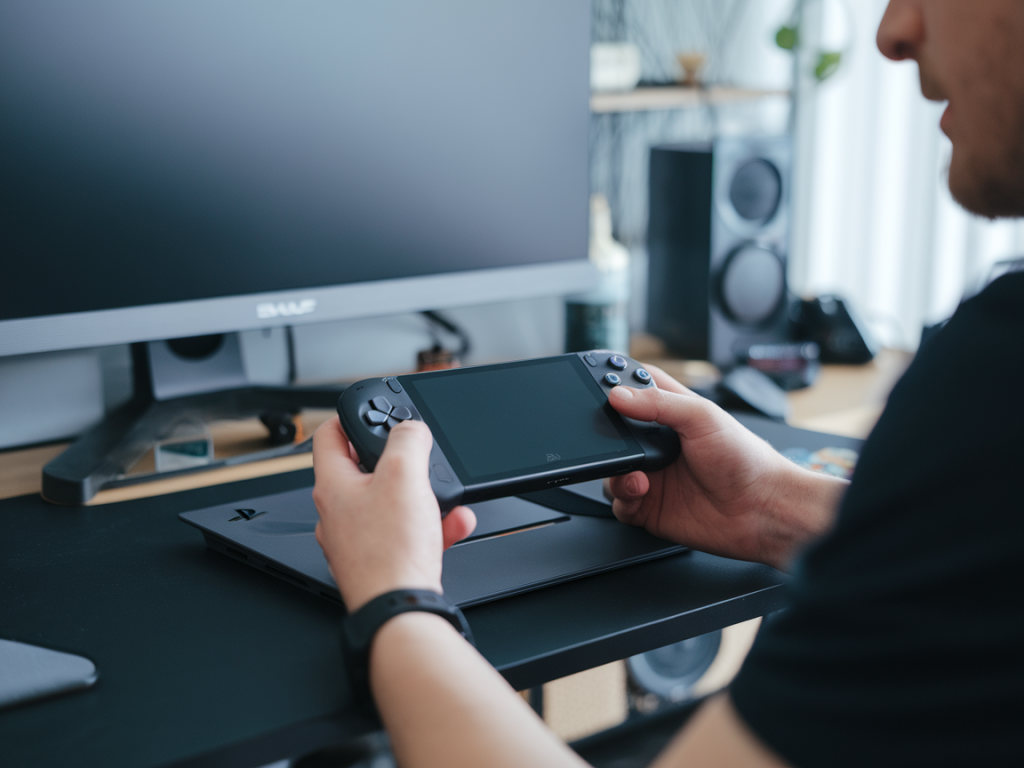
When Sony teased a new PlayStation handheld, my inbox filled with the same question: Is it finally a proper portable console for core gamers? As someone who obsesses over the intersection of convenience and fidelity — between late-night couch sessions and cramped commutes — I wanted to go beyond headlines. A handheld can be a novelty, a collector's item, or a true shift in how we play. If you're thinking of switching from a home console or a Steam Deck, here are the practical things I test and the mental trade-offs I consider before making the leap.
What "portable for core gamers" really means
For me, portability isn't just "can I carry it in my bag?" It means delivering an experience that respects what core gamers care about: responsive controls, consistent performance, meaningful game libraries, and the ability to sink long, involved sessions into demanding titles. That’s different from a device meant mainly for indie titles or media playback.
So when I evaluate a new PlayStation handheld, I ask: can it run big-budget titles in a way that feels like a console, not just a trimmed-down version? Does it support the PlayStation ecosystem (trophies, cloud saves, PSN friends, remote play) without friction? And crucially, does it do all that while being genuinely convenient to carry and use on the move?
Battery life and real-world endurance
Battery specs sound great on a sheet — "up to 8 hours" — but what matters is what that battery does while you're actually playing a AAA title. I run the same loop for every new handheld: play a demanding game at medium settings, stream video, and then try a long session of less demanding titles. That gives me three data points:
If the device drains fast under load and gets hot in your hands, it's not a good partner for core gamers who expect multi-hour sessions. Also check charging: is USB-C PD supported? How long does it take to top up? Can you play comfortably while charging?
Controls, ergonomics, and button mapping
Controls are surprisingly personal. A handheld can have great internals but feel awkward after 30 minutes if joysticks are too small or the trigger resistance is off. My routine:
Brands like PlayStation have a unique feel with DualSense tech. If the handheld reproduces that faithfully, it's a big plus for series fans. If not, you want deep customization so you can tweak it.
Display: size, color, refresh, and viewing angles
Display matters more on a handheld than it does on a living-room TV because the screen is your only window into the world. I look for:
Some handhelds sacrifice resolution for battery life; I judge whether that trade-off actually benefits the experience. For core gamers used to crisp visuals, a blurry UI is a deal-breaker.
Performance and thermal behavior
This is where many attempts fall short. Raw CPU/GPU numbers matter, but so do thermal throttling and frame consistency. I benchmark real-world gameplay rather than synthetic tests — sustained 60fps in a demanding game is more valuable than spiky 60fps on paper.
If you’re switching from PlayStation 5 or PS4, consider that native PS titles might be downscaled or shifted to cloud/streaming for the handheld. That affects perceived performance more than raw hardware specs.
Library access, compatibility, and ecosystem integration
This is the business end of the question: can you play the games you want? For a PlayStation-branded handheld, I test:
If the handheld relies on cloud streaming for flagship games, that introduces variables outside the device: your Wi‑Fi, mobile data caps, and server availability. That's not a problem for someone with reliable home internet, but it can kill portability on the move.
Connectivity, accessories, and expandability
Ports and accessories are part of the handheld experience. I evaluate:
Core gamers often have habits and devices they want to bring along. If the handheld refuses to play nice with your preferred accessories or lacks easy storage options, it's a friction point that matters.
Software UX and updates
A great device can be wrecked by clunky software. I test how the OS handles downloads, updates, suspend/resume, and account management. Important details:
PlayStation fans expect ecosystem parity. If key features are missing on launch, look for a committed update schedule from the manufacturer.
Alternatives and context
If you’re considering switching, also compare the device against contenders: the Steam Deck for PC flexibility, the Nintendo Switch for hybrid convenience and first-party games, and Windows-based handhelds like Aya Neo or GPD for raw performance. Each has strengths and compromises; your needs (exclusives, portability, modability) should guide the choice.
| Factor | Why it matters |
| Battery | Determines whether the device supports long sessions away from power |
| Controls | Precision and comfort for core genres |
| Display | Readability and immersion in diverse lighting |
| Performance/Thermals | Consistent framerate without throttling |
| Library/Streaming | Access to the games you care about |
Switching to a PlayStation handheld can be transformative — but only if the build, software, and ecosystem work together. Test the things above in the environments you actually use the device. Try local demos, stress the battery, plug in your headset, and play a few of your favorite games. If the handheld survives that gauntlet and still feels like a proper PlayStation experience, then it might just be the portable console core gamers have been waiting for.