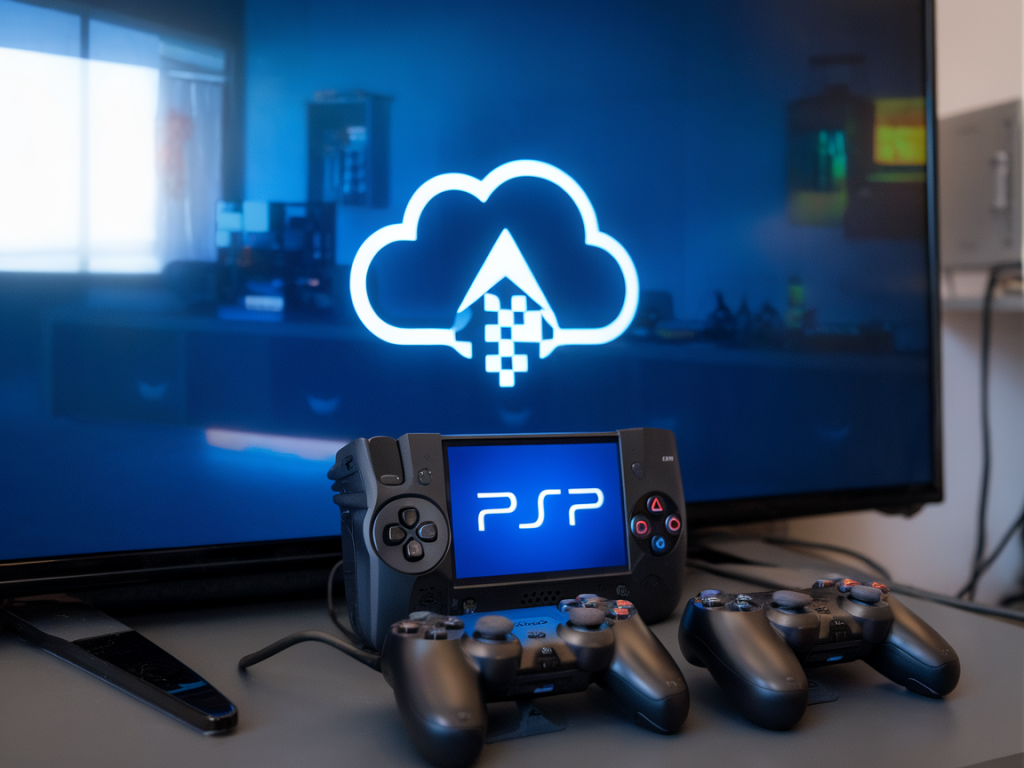
I’ve been thinking a lot about whether switching to PlayStation’s portable model — in practice, devices like the PlayStation Portal that lean on remote play and cloud services — makes sense for competitive cloud-gaming and crossplay esports. As someone who juggles reviews, playtests, and watching tournaments, I wanted to lay out what actually matters for competitive play and where a portable PlayStation-first setup shines or falls short.
What “portable PlayStation” really means for competitive players
When I say “portable PlayStation model” I’m referring to handheld devices that rely primarily on streaming a PlayStation console or Sony’s cloud offerings rather than running the game natively. That includes Sony’s remote-play hardware and any future handhelds built around PlayStation cloud streaming. The core appeal is obvious: you get PlayStation-exclusive titles and PSN ecosystem benefits in a compact form factor. But for competitive gamers, the checklist is longer:
If any of these areas are weak, your competitive edge can evaporate. Let me break each down based on tests, hands-on time, and conversations with players who stress-test setups for ranked matches and tournaments.
Latency: the make-or-break factor
Latency is the headline concern. Streaming adds at least one extra processing hop: game rendering on the remote PS5 or cloud server, video encode, network transit, decode on the handheld, and finally input travel back to the server. In ideal conditions, remote-play latency can feel sub-50ms to the display, but those numbers depend heavily on your local network, proximity to infrastructure, and device decoding efficiency.
For quick twitch esports — think FPS or high-level fighting games — even small increases in input latency matter. Competitive PC players target the lowest end-to-end latency possible by using wired connections, tuned displays, and optimized settings. A PlayStation portable streaming over Wi‑Fi will rarely match that. That doesn’t mean you can’t compete, but you need to accept a trade-off or mitigate it.
Network realities and practical tips
From my experience and from talking to online competitors, here’s what actually helps cloud-play feel competitive:
If your ISP struggles with stable latency or you’re on shared Wi‑Fi in a dorm/flat, I’d be cautious about relying on cloud-only for ranked play.
Controller parity, features, and limitations
PlayStation handhelds try to replicate DualSense features, but nuanced differences matter. Haptics, adaptive triggers, and even input mapping can vary on a streamed device. For crossplay, a lot depends on whether other platforms allow full parity:
In short: a portable PlayStation can be competitive vs. other controllers, but it rarely beats the raw responsiveness of a tuned wired setup on a specialized platform.
Crossplay fairness: is the matchmaker fair?
Crossplay is fantastic for larger pools and shorter queues, but fairness varies by game. Some titles implement platform-based input detection and either segregate or balance matches (e.g., controller-only lobbies, crossplay opt-outs, or skill-based placements that account for input type). I always check a game’s crossplay rules before committing to a cloud-first strategy.
From the tournaments I follow and the players I speak to, developers that prioritize competitive integrity will provide tools to reduce input advantages — aim assist tuning, separate leaderboards, or matched modes. If your game has strict measures to preserve parity, the portable PlayStation model is more viable.
When a PlayStation portable is a strong competitive choice
There are situations where I’d happily recommend a PlayStation portable setup for serious play:
In those cases, the convenience and access to PlayStation exclusives can outweigh the downsides.
When I’d stick to native hardware or other handhelds
If you prioritize absolute competitive supremacy, I’d recommend native hardware over cloud-first handhelds. Options include:
My rule of thumb: use cloud handhelds for high-quality convenience and practice, but switch to native setups when stakes are high.
Practical setup checklist for competitive cloud play
| Item | Why it matters |
| Wired connection | Reduces latency & jitter vs Wi‑Fi |
| Wi‑Fi 6 router | Better handling of interference and lower latency on wireless |
| High-performance handheld decoder | Smoother video decode reduces perceived lag |
| Controller polling optimization | Improves input responsiveness |
| Game crossplay settings | Ensures fair matchmaking and input balance |
I personally always run a quick latency test and a local vs cloud comparison when preparing for a competitive session. That five-minute check can save you a game or two.
Final practical thoughts — what I actually do
On days when I want to grind ranked but also need to be mobile, I practice on a PlayStation portable in the afternoon, focusing on map knowledge, strategy, and muscle memory. For ladder pushes or tournament qualifiers, I switch to a wired PS5/PC setup. That hybrid approach gives me the best of both worlds: the convenience and flexibility of handheld streaming for practice, with the reliability of native play when it counts.
If you’re thinking of switching to PlayStation’s portable model full-time for competitive cloud-gaming, ask yourself: how reliable is your network, does your game enforce crossplay parity, and are you willing to accept marginal latency increases for portability? If the answers are positive and you prize mobility, it’s a compelling option. If you chase every millisecond of advantage, keep a wired fallback ready.